
Standard theory practice: home
New here? How to use this site
Start a paper
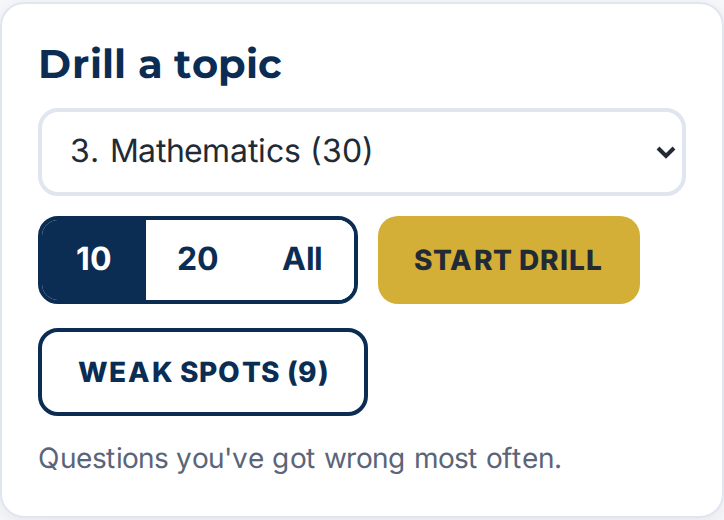
Drill a topic
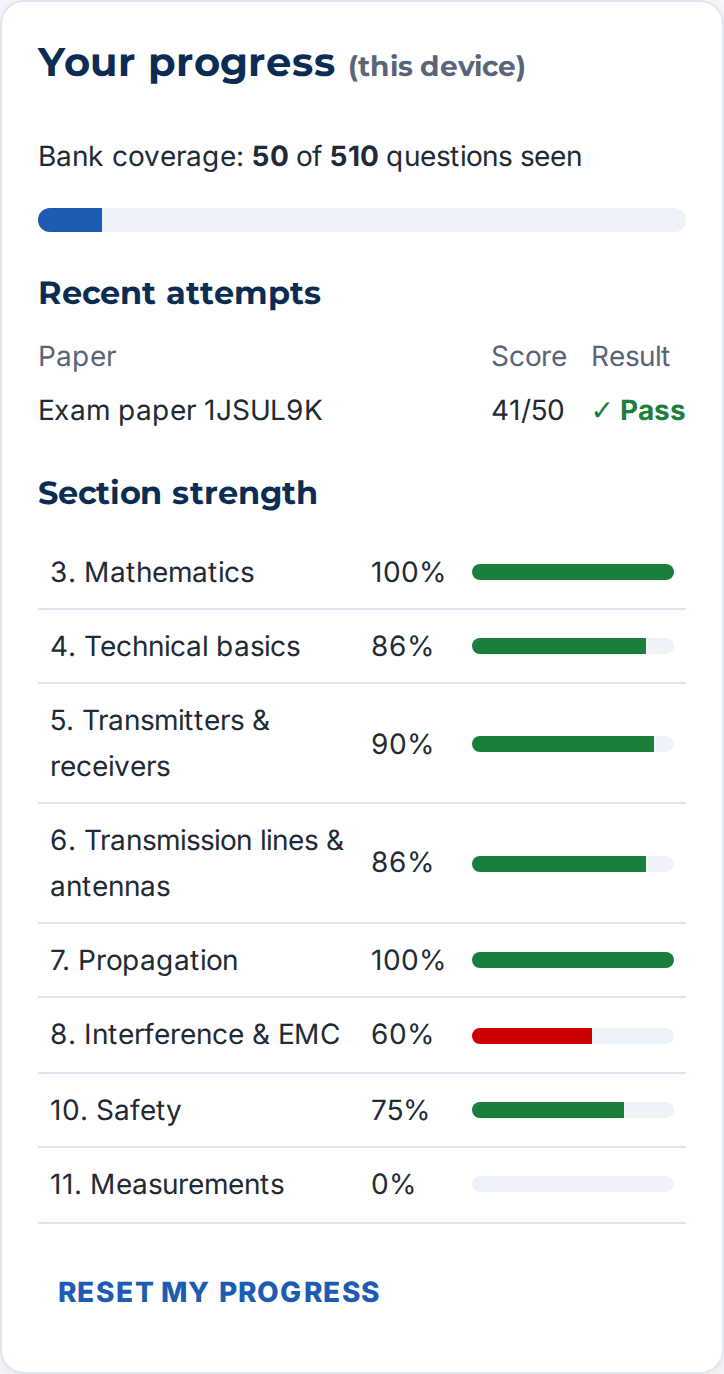
Your progress (this device)
Recent attempts
Section strength
Your browser is blocking storage, so progress won't be kept after you close this page.
About the exam
The Standard theory paper has 50 multiple-choice questions in 60 minutes. You need 35 correct (70%) to pass. The ACMA formula sheet is supplied in the exam. You'll find the same sheet under Formulas.
| Syllabus section | Questions per paper | In the bank |
|---|
Practice questions written for the club's Standard Upgrade Course. These are not official ACMA examination questions. Regulations (sections 1–2) and the practical (section 9) are not covered here.
Questions
Blue = answered · gold line = flaggedKeys: 1–4 or A–D to answer · ← → to move · F to flag
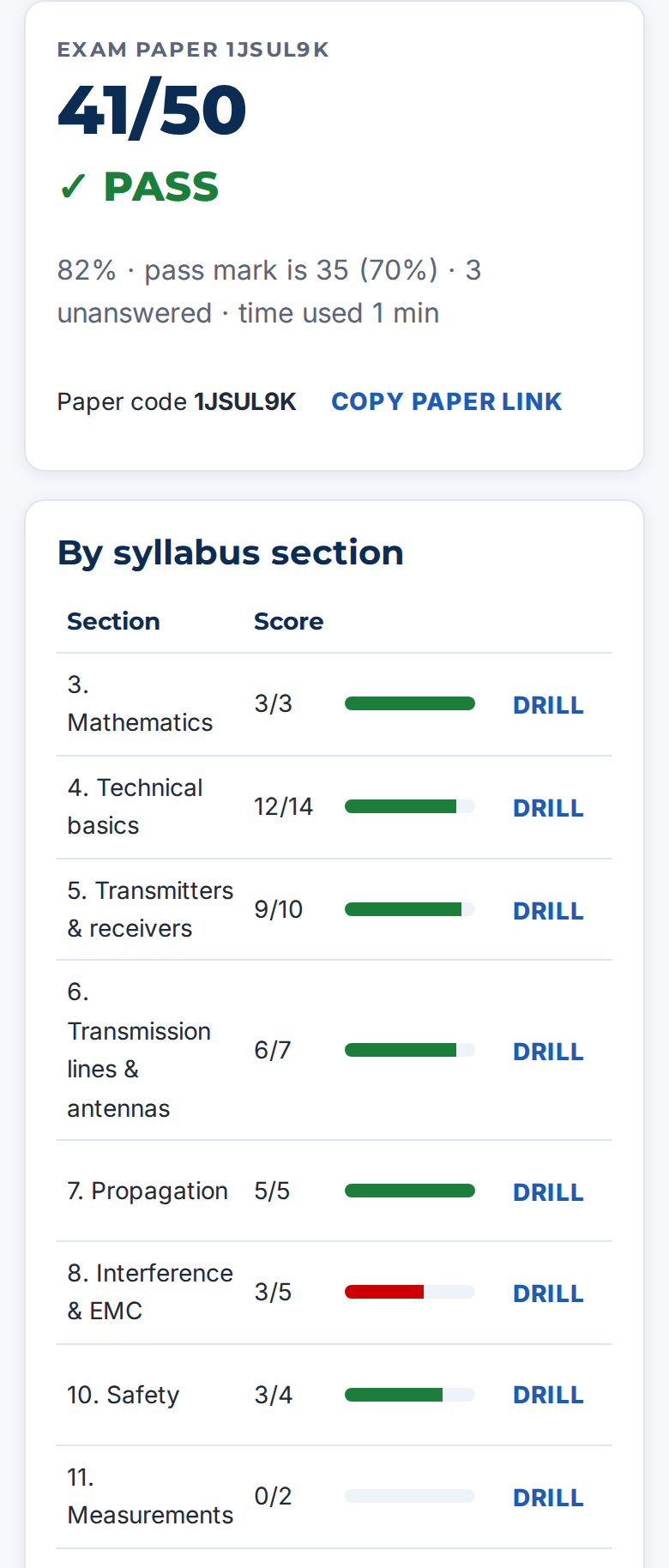
By syllabus section
| Section | Score | Bar | Drill |
|---|
Sections under 70% are the ones to revise first.
Review answers
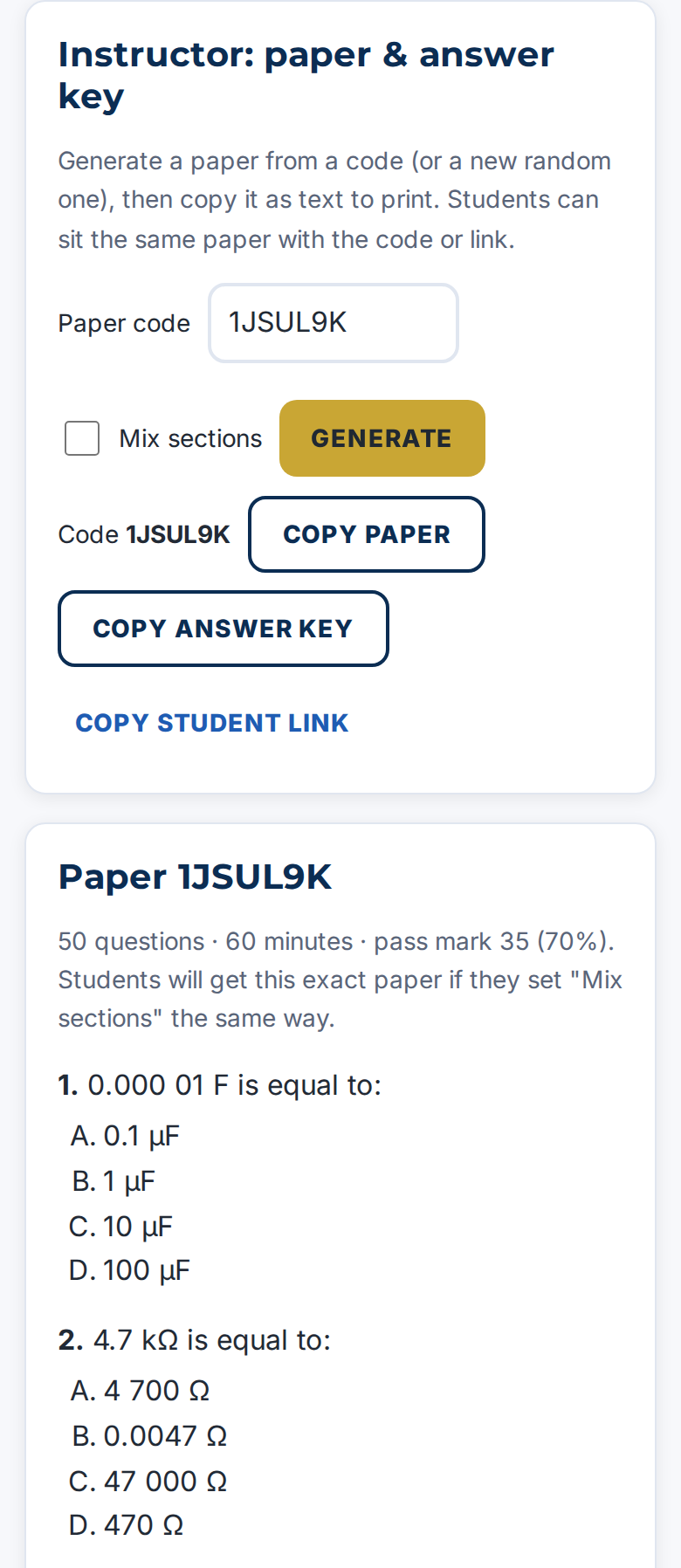
Instructor: paper & answer key
Generate a paper from a code (or a new random one), then copy it as text to print. Students can sit the same paper with the code or link.
How to use Standard Theory Practice
This site gives you practice papers for the ACMA Standard theory exam. It works on a phone, tablet or computer. There's nothing to install and no login.
Your progress is kept in this browser on this device. If you switch to another phone or computer, it starts fresh there.
Download this guide as a PDF to print · Back to practice
For students
1. Start a paper
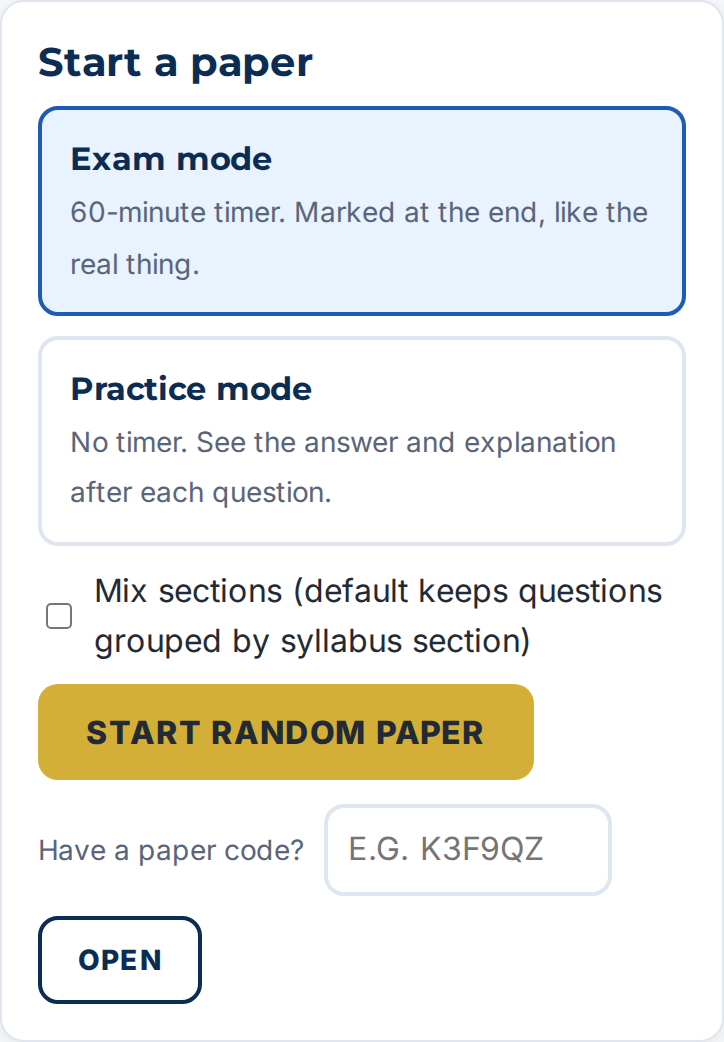
On the home page, choose a mode, then tap Start random paper.
- Exam mode is like the real exam: 50 questions, a 60-minute timer, and no answers until you finish.
- Practice mode has no timer, and shows the answer and an explanation straight after each question.
Questions are grouped by syllabus section, as in the exam. Tick Mix sections if you'd rather have them shuffled.
Each new paper favours questions you haven't seen yet, so you work through the whole bank.
2. Answer the questions
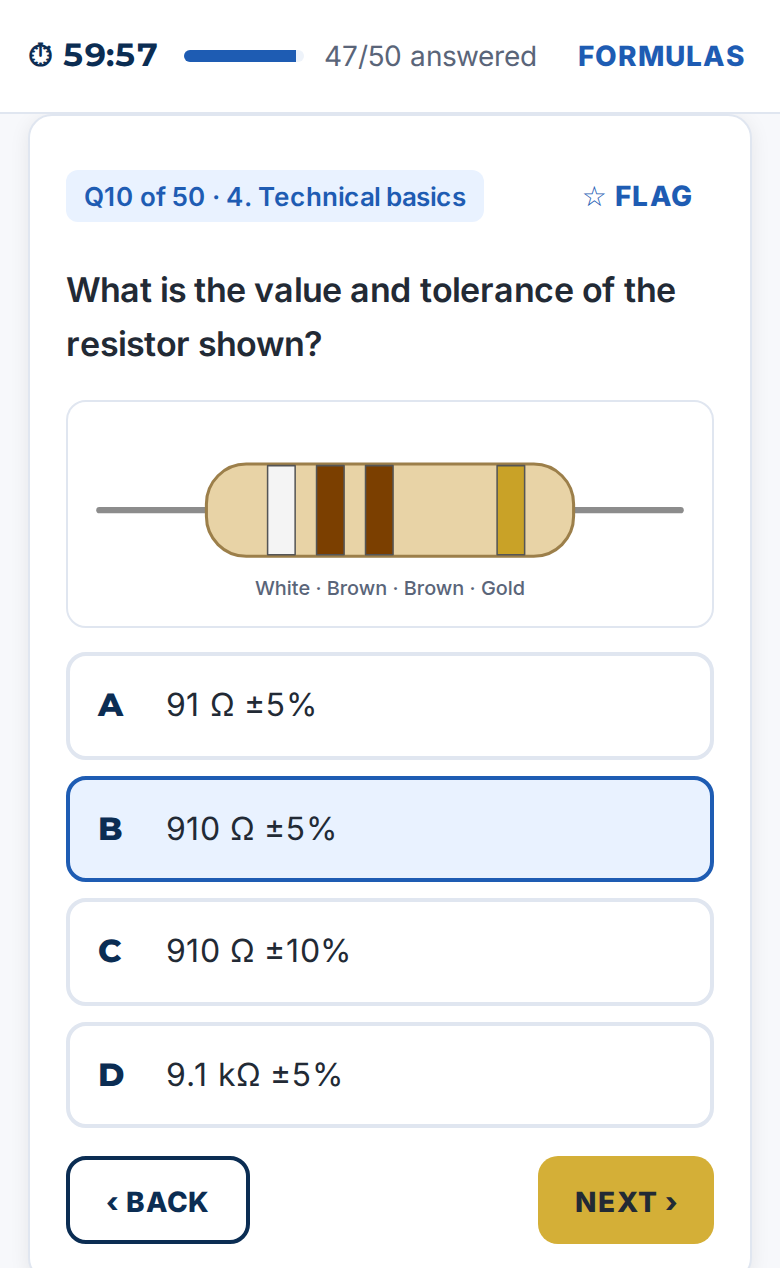
Tap an answer to pick it. In exam mode you can change it any time before you finish. Use Next and Back to move between questions.
- The bar at the top shows the time left and how many you've answered. The timer turns red with five minutes to go.
- Formulas opens the ACMA formula sheet, the same one you get in the exam.
- Some questions have a diagram. Tap it to see it bigger.
- Flag marks a question to come back to.
On a keyboard: 1–4 or A–D picks an answer, ← → moves, F flags.
3. Jump around and finish
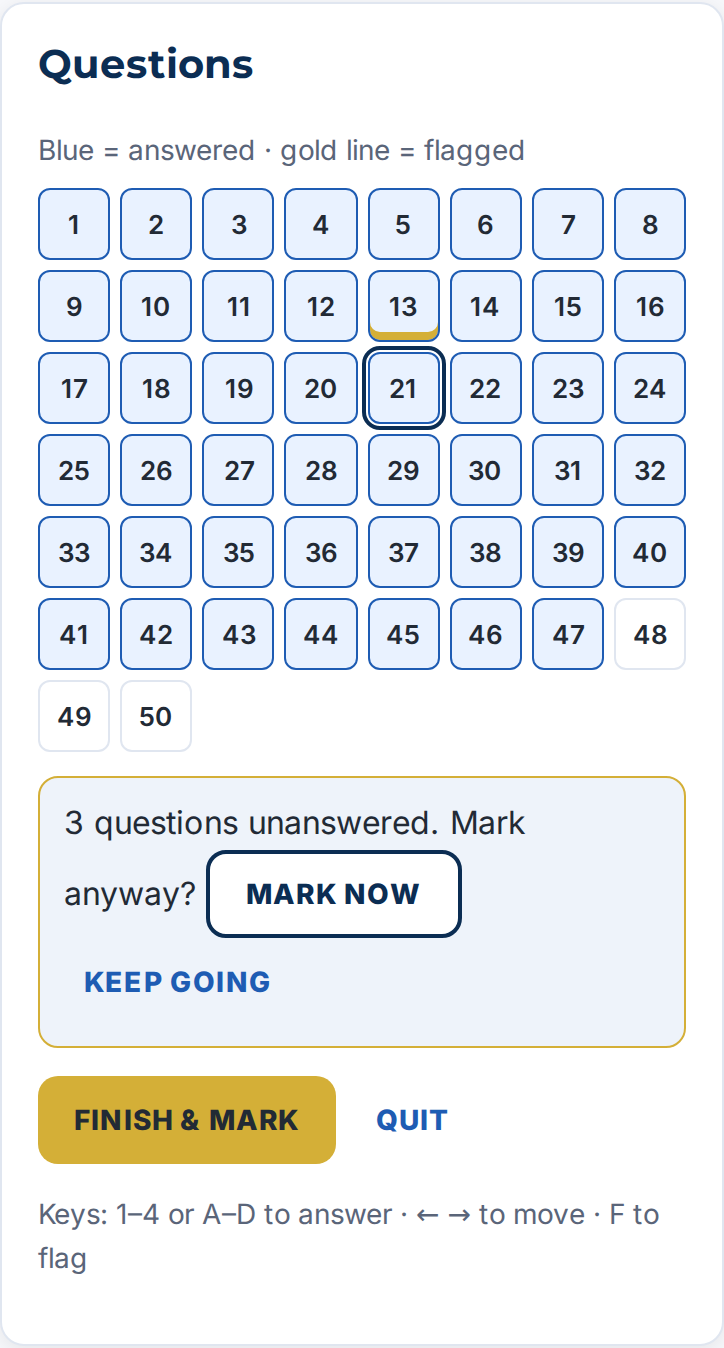
The question map under each question shows the whole paper. Tap a number to go straight to it.
- Blue means answered.
- A gold line means flagged.
When you're done, tap Finish & mark. If you've missed any, it tells you how many and lets you go back first.
In exam mode, the paper is marked automatically when the timer reaches 0:00.
4. Practice mode
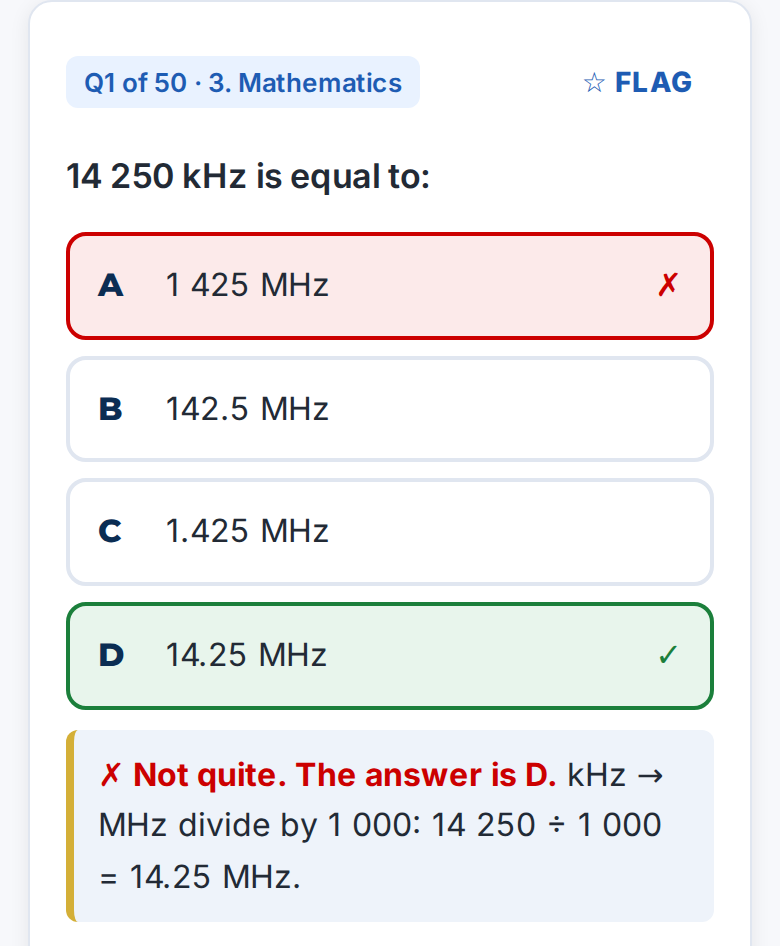
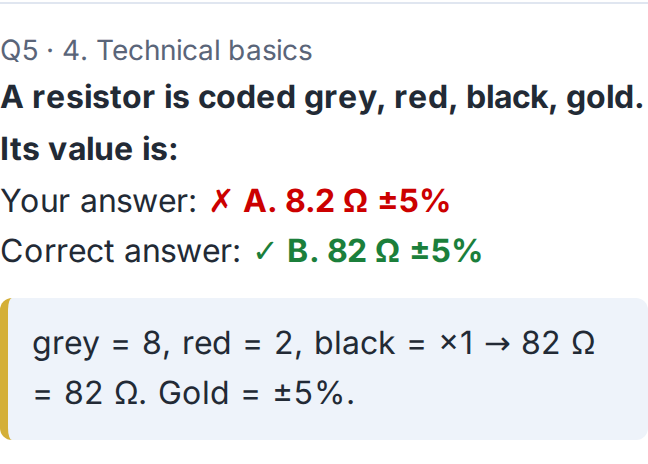
In practice mode, your answer is marked straight away. The right answer turns green with a ✓, a wrong pick turns red with a ✗, and an explanation appears underneath.
Once you've answered, it's locked, so read the explanation and move on.
5. Your results
You'll see your score and whether it's a pass. In the real exam you need 35 out of 50 (70%).
By syllabus section shows where you lost marks. Sections under 70% are the ones to revise first. The Drill button next to a section takes you straight to a topic drill for it.
From here you can also start a new random paper, try the same paper again, or copy a link to this paper to send to someone.
6. Learn from your mistakes
Under Review answers, each question you got wrong or skipped shows your answer, the right answer and an explanation.
Untick Wrong & unanswered only to see every question in the paper.
7. Drill a topic or your weak spots
Drill a topic gives you 10, 20 or all the questions from one syllabus section, with the answer after each one and no timer.
Weak spots gives you the questions you've got wrong most often. It switches on once you've got at least one question wrong.
8. Come back later
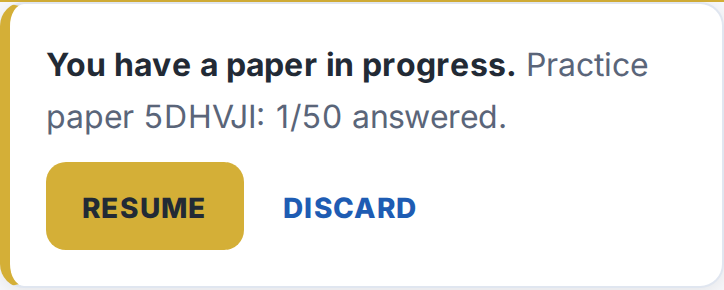
You can close the page in the middle of a paper. Next time, the home page offers to Resume it, with your answers kept. The exam timer only runs while the page is open.
Your progress shows how much of the question bank you've seen, your recent scores, and how you're going in each section. Reset my progress clears it all.
Private or incognito browsing, or clearing your browser data, removes your progress.
9. A paper code from your instructor
Your instructor may give the class a paper code (6 or 7 letters and numbers) or a link, so everyone sits the same paper.
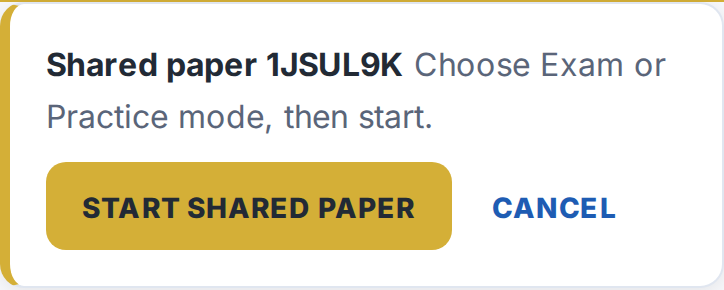
Type the code into Have a paper code? on the home page and tap Open, or just open the link. Choose Exam or Practice mode, then tap Start shared paper.
For instructors
Give the class the same paper
Open Instructor tools from the footer of any page.
- Leave the code blank for a new random paper, or type a code to bring one back. Tap Generate.
- The whole paper appears below, with its answer key at the end.
- Copy student link copies a link to send to the class. Or just give them the code.
- Copy paper and Copy answer key copy plain text to paste into a document. The key includes the explanations. In copied text, diagrams show as a short description.
To print the paper with its diagrams, use your browser's Print on the Instructor tools page. The buttons are left off the printout.
If you tick Mix sections, students must tick it too, or they'll get the same questions in a different order.
Good to know
- These are practice questions written for the club's Standard Upgrade Course. They aren't official ACMA exam questions.
- Regulations (sections 1–2) and the practical assessment (section 9) aren't covered here.
- Spotted a wrong answer or a confusing question? Let your instructor know, along with the paper code and question number.